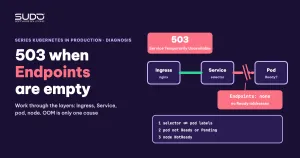
A site returns 503 from ingress-nginx, yet kubectl get pod still shows Running, and CPU and RAM on Grafana are both low. The common reflex is to suspect that the pod ran out of memory and was killed. In fact, the most common cause of a 503 generated by ingress-nginx itself is a Service with no ready Endpoints to receive requests. The cause can be in any layer from Service to pod to node, and OOM is only one of them. This article is a layer-by-layer diagnostic checklist: Ingress, Service, Endpoints, pod, node, with check commands and the situations that are easy to confuse with a 503.
Earlier articles in this series went deep into each branch: Health endpoint for Laravel on Kubernetes: what to check and which probe to use, Pod Pending with Insufficient cpu: calculating real free capacity from kubectl describe node and Node out of RAM: slow sites with low CPU, limit overcommit and NotReady nodes. This article ties them into one process, so it does not repeat the details.
An ingress-nginx 503 usually means the Service has no Endpoints
A request follows this chain: client, ingress-nginx, Service, Endpoints, pod. For every Service that has a selector, Kubernetes maintains an Endpoints object (today an EndpointSlice) that lists the addresses of pods that match the selector and are Ready. ingress-nginx reads that list. When the list is empty, ingress-nginx has nowhere to forward the request and returns 503 Service Temporarily Unavailable. So the first question is not "is the pod running" but "does the Service have Endpoints":
kubectl -n site-a get svc
kubectl -n site-a get endpointslices
# ENDPOINTS is <none> or empty: the Service has no Ready addresses,
# ingress-nginx returns 503
If the Endpoints have addresses and you still get a 503, suspect three other directions. One is the application itself returning 503, for example Laravel in maintenance mode (php artisan down): call the pod directly with kubectl exec or port-forward to see. Two is ingress-nginx rate limiting (the limit-req annotation, which returns 503 by default). Three is a custom error page. A page generated by ingress-nginx itself has the body "503 Service Temporarily Unavailable", which differs from a page returned by the application; the ingress-nginx controller log tells you which upstream returned which code. For timeouts, 502 and 504, read 413 and 504 errors on Kubernetes: body limits, timeouts and headers across layers.
Ingress and Service layer: wrong name, wrong port or mismatched selector leaves Endpoints empty
First look at kubectl describe ingress: the backend must point to a Service name and port that exist, and ingressClassName must match the controller. If the backend does not exist, ingress-nginx has no upstream and returns 503 (or 404 when no Ingress matches the host).
A mismatched selector is the most clear-cut cause of empty Endpoints while the pods are perfectly healthy. A Service only selects pods that have every label in spec.selector. A Helm chart often adds a label to the Service selector, for example app: site-a-deployment, while the pod template does not have that label. The result: the Service selects no pods.
kubectl -n site-a describe svc site-a-svc | grep -E "Selector|Endpoints"
# Selector:   app.kubernetes.io/instance=site-a,app.kubernetes.io/name=web,app=site-a-deployment
# Endpoints:  <none>

kubectl -n site-a get pod --show-labels
# only shows app.kubernetes.io/instance=site-a,app.kubernetes.io/name=web
The fix depends on which object should change. If you want to keep the extra label, add it to the Deployment's spec.template.metadata.labels, and remember that the Deployment's spec.selector.matchLabels must match the template labels. A Deployment's spec.selector is immutable after creation (apps/v1), so if you need to change it you must delete and recreate the Deployment. The other option, usually simpler, is to remove the extra label from the Service selector. After the fix, the Endpoints get addresses almost immediately.
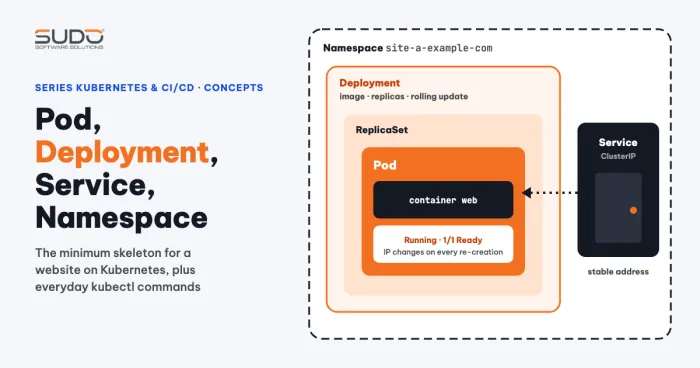
General rule: the Service selector is a subset of the pod labels, not the other way around. For the relationship between Service, Deployment and pod, see Pod, Deployment, Service and Namespace: using Kubernetes in practice.
Pod layer: Running but not Ready
A Running pod is not necessarily in the Endpoints. An address is added only when the pod is Ready (the readiness probe succeeds). If the probe keeps failing, the pod is removed from the Endpoints and users see a 503, even though the container is still alive.
kubectl -n site-a get pod
# NAME        READY   STATUS
# app-xxxxx   0/1     Running

kubectl -n site-a describe pod app-xxxxx | grep -A3 "Readiness"
# Warning  Unhealthy  Readiness probe failed: Get "http://10.0.0.5:80/":
#   context deadline exceeded (Client.Timeout exceeded while awaiting headers)
A common cause is a timeoutSeconds that is too short (the default is 1 second) while the probe calls the full home page. Raising the timeout is only half a solution. It is better to point the probe at a lightweight, dedicated path that answers quickly but still reflects the ability to take requests:
readinessProbe:
  httpGet:
    path: /healthz   # example; Laravel 11+ ships with /up
    port: 80
  initialDelaySeconds: 10
  periodSeconds: 5
  timeoutSeconds: 3
  failureThreshold: 5
The probe path must be typed exactly the same in both the route and the manifest, because a typo on one side makes every probe get a 404 and the pod never becomes Ready. What to check in this path is covered in detail in the health endpoint article.
Pod layer: Pending leaves the Endpoints empty indirectly
A Pending pod never enters the Endpoints, so for a one-replica site the 503 appears right away. Pending does not cause a 503 by itself; it only leaves the Endpoints empty. Read the Events section of describe pod to find the reason:
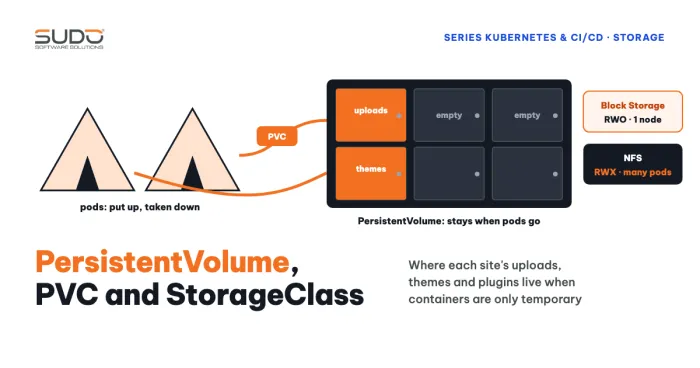
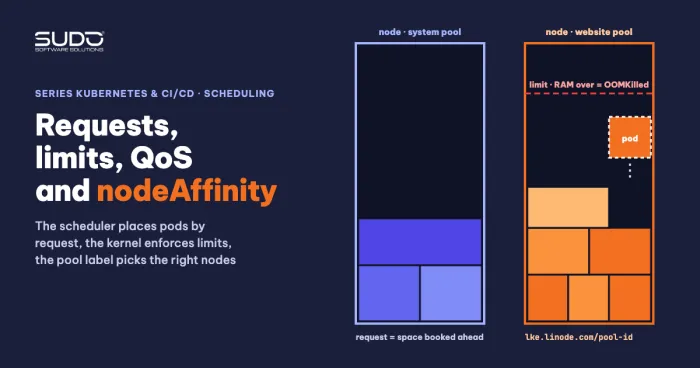
FailedSchedulingwithInsufficient cpuorInsufficient memory: no node has enough room for therequest. How to calculate free capacity is in the Pending article above; see also Requests and limits, QoS and nodeAffinity: placing pods on the right nodes.FailedAttachVolumeorMulti-Attach error: aReadWriteOncevolume is still attached to another node. See Pod stuck in ContainerCreating on LKE: Multi-Attach and Unable to find device path.NotTriggerScaleUpfrom the cluster-autoscaler: the autoscaler evaluated and decided that adding a node would not help this pod either.
There are also cases where a pod is Scheduled but the kubelet sends no further events for a long time. This phase includes pulling the image and preparing volumes. The list below is only a diagnostic checklist, not confirmed causes: is the image pull slow (kubectl describe node shows the node status), does the registry limit pulls, and is the kubelet on the node responding. If everything looks normal, wait and try again.
Node layer: Running but the node is NotReady
One confusing form is a pod that still reports Running and Grafana is still green, but describe pod has a NodeNotReady event from the node-controller. When a node loses connection to the control plane, the node-controller marks the pods on that node as no longer Ready and removes them from the Endpoints. For a one-replica site, that is a 503. A node usually goes NotReady when memory is overloaded or while the cluster is adding or removing nodes. For the case of nodes being scaled, this is only a guess; check with kubectl get nodes and kubectl describe node (Conditions, Events) instead of concluding from a single event. Details on a node that is out of RAM are in the node article above.
Three situations easily confused with a 503
A pod stuck in Terminating
A pod in Terminating for an unusually long time does not cause a 503, because a pod that is shutting down has already been removed from the Endpoints. It is just leftover clutter that has not been cleaned up. Before force deleting, check the pod's finalizers, the state of the node hosting the pod, and the kubelet. The command kubectl delete pod --grace-period=0 --force only removes the object from the API server and does not guarantee the container has stopped. Kubectl warns clearly that the resource may keep running indefinitely. The consequence can be two pods with the same identity writing to the same ReadWriteOnce or NFS volume. Do not confuse this case with a PVC stuck in Terminating, which is a different finalizer mechanism, covered in PVCs on the Kubernetes node: finding CSI mounts, measuring disk usage and fixing stuck Terminating PVCs.
An admission webhook rejects the Ingress
When you kubectl apply an Ingress whose host and path are already used by another Ingress (even in another namespace), the ingress-nginx webhook rejects it:
Error from server (BadRequest): error when creating "ingress.yaml":
admission webhook "validate.nginx.ingress.kubernetes.io"
denied the request: host "app.example.com" and path "/" is already defined in ingress other-ns/other-ingress
This is an error at apply time, not a 503 at runtime. The fix is to find the Ingress that holds that host and path pair (kubectl get ingress -A), then change the host or path, or merge them into one Ingress. Do not turn off the webhook for convenience. One more note: if you apply a whole directory, objects before or after it may still be created (for example a Secret), because kubectl processes each object separately.
A Scheduled pod with no events
As in the Pending section, the pod has been assigned a node but nothing has come from the kubelet. Treat this as a signal to wait and check the node, rather than rushing to delete the pod.
Commands in order
| Step | Command | If abnormal |
|---|---|---|
| 1 | kubectl describe ingress | Backend has the wrong Service name or port, or wrong ingressClassName: fix the Ingress |
| 2 | kubectl get svc,endpointslices -n NS | Empty Endpoints: go to step 3 |
| 3 | kubectl describe svc and get pod --show-labels | Selector does not match labels: fix the Service or the template |
| 4 | kubectl get pod, READY column | 0/1 Running: check the readiness probe |
| 5 | kubectl describe pod, Events section | Pending: check FailedScheduling and volumes |
| 6 | kubectl get nodes, describe node | NotReady: see the node article |
Outside the table: when kubectl apply is rejected by the webhook because of a duplicate host and path, use kubectl get ingress -A to find the Ingress that holds the pair. The kubectl get endpoints command has been marked deprecated since Kubernetes 1.33, so this article prefers endpointslices.
Reducing risk before an incident
- Run two or more replicas for important sites so a single failing pod does not empty the Endpoints.
- Use a readiness probe with a lightweight, dedicated path; set a reasonable
timeoutSeconds. - Add a
PodDisruptionBudgetso a node drain does not remove all pods at once. A PDB applies only to voluntary disruptions; to survive a NotReady node you need to spread replicas across nodes withtopologySpreadConstraintsorpodAntiAffinity. - Check the Endpoints right after every Helm upgrade, especially when labels or selectors were edited.
For a deeper understanding of Endpoints and EndpointSlice, read the Kubernetes Service documentation. Probe configuration is described on the page on configuring liveness, readiness and startup probes. What is still open: the causes of a pod stuck in Terminating and of a Scheduled pod with no events are not confirmed, so treat both as hypotheses until you verify them on your own cluster.
Next article
Grafana Alerting for pods: RAM dashboards, alerts and the ingress-nginx ServiceMonitor. Now that you know where a 503 comes from, the next article shows how to build a dashboard and alerts to detect it earlier.